Guidance distinguishes file detection and previews from technical recoverability and permission to restore or save files.
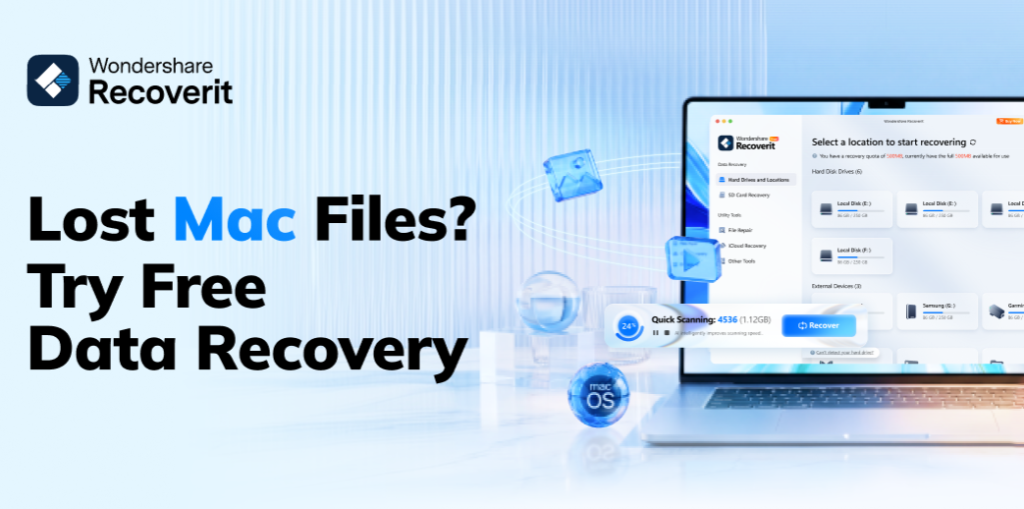
NEW YORK, NY – November 11, 2026 – Wondershare today issued guidance explaining that a file appearing in Recoverit scan results, or being available for preview, does not establish that it can be successfully restored or saved under a user’s selected plan.
The guidance, presented in this release, separates three questions users should assess before attempting recovery: whether software can locate a file, whether the underlying data remains recoverable and whether the selected version and plan permit free data recovery and saving.
The announcement does not introduce a new software version or change recovery allowances.
What Scan Results Establish
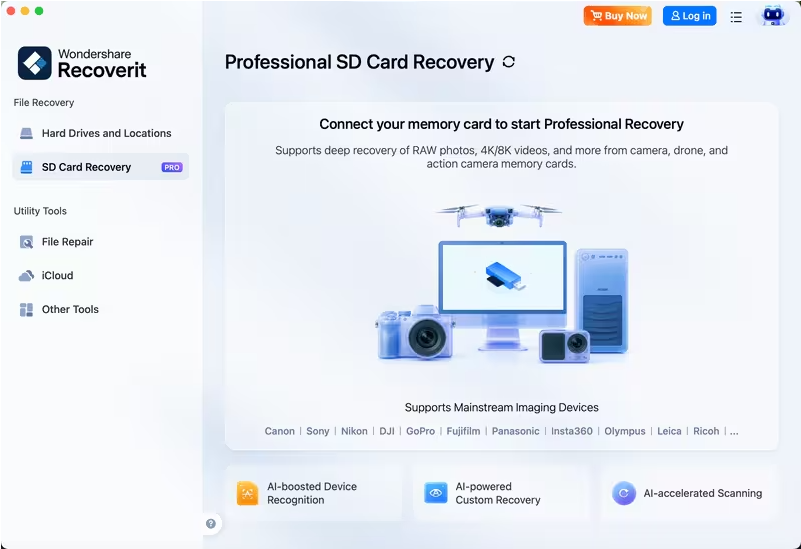
Recoverit scans supported computer drives, external hard drives, USB flash drives and SD cards for lost or deleted files. Supported scenarios include accidental deletion, storage formatting, missing files on removable media and files removed from an emptied Recycle Bin.
Users select the affected storage location, scan for missing items and review identified results. Search and filtering tools can narrow results by file type, date, size or other supported criteria. Previews, where available, help users inspect identified files before attempting restoration.
These functions have distinct roles:
- Scanning identifies potentially recoverable files; detection alone does not confirm that their contents remain intact.
- Search, filtering and previews help users assess available results; preview access does not establish recovery or saving permissions.
- Recovery and saving depend on technical recoverability, device compatibility and the permissions of the selected version and plan.
Access to scanning or previews does not necessarily include unlimited recovery or unrestricted saving.
Recovery Limitations Across File Types
For users assessing photos recovery or videos recovery results, an identified file is not a guarantee of successful restoration. The same limitation applies to documents and audio files.
Overwritten data, physical damage and storage condition can limit software-based recovery. A preview is an assessment tool, not a promise that restoration will succeed. Users should inspect recovered files to determine whether their contents remain usable.
What Users Should Check Before Recovery
The Recoverit Official website provides access to software versions for supported computers. Before proceeding, users should review the applicable version and plan information for:
- Supported operating systems and connected storage requirements.
- Availability of scanning, deeper scanning, filtering and file previews.
- Permission to recover and save the intended files.
- Any recovery allowance or other applicable restriction.
USB drives and SD cards require supported connections or compatible card readers. Support for a storage category does not establish compatibility with every device.
Users should select a recovery destination separate from the affected source to reduce the risk of overwriting other recoverable data. Scan duration varies with storage capacity and condition.
About Wondershare
Wondershare provides software including Recoverit, which is designed to locate lost or deleted photos, videos, documents and audio files on supported storage devices. Recoverit combines scanning, search, filtering and supported file previews to help users assess identified files before attempting recovery under an applicable plan.
Media Contact
Contact Person Name: Media Relation
Company Name: Wondershare
Email: contact@recoverit.wondershare.com
Website: https://recoverit.wondershare.com/